Detailed Workflow and System Architecture for the Authorization Service
Typical scenarios for:
- Registration
- Traditional login system (login + password)
- Google registration/authentication
- Web3 authentication … other scenarios
1. User clicks "Login" on the Side App (an Application integrated with AuthCentral).
They are then redirected to the AuthCentral form, which offers both registration and authentication options.
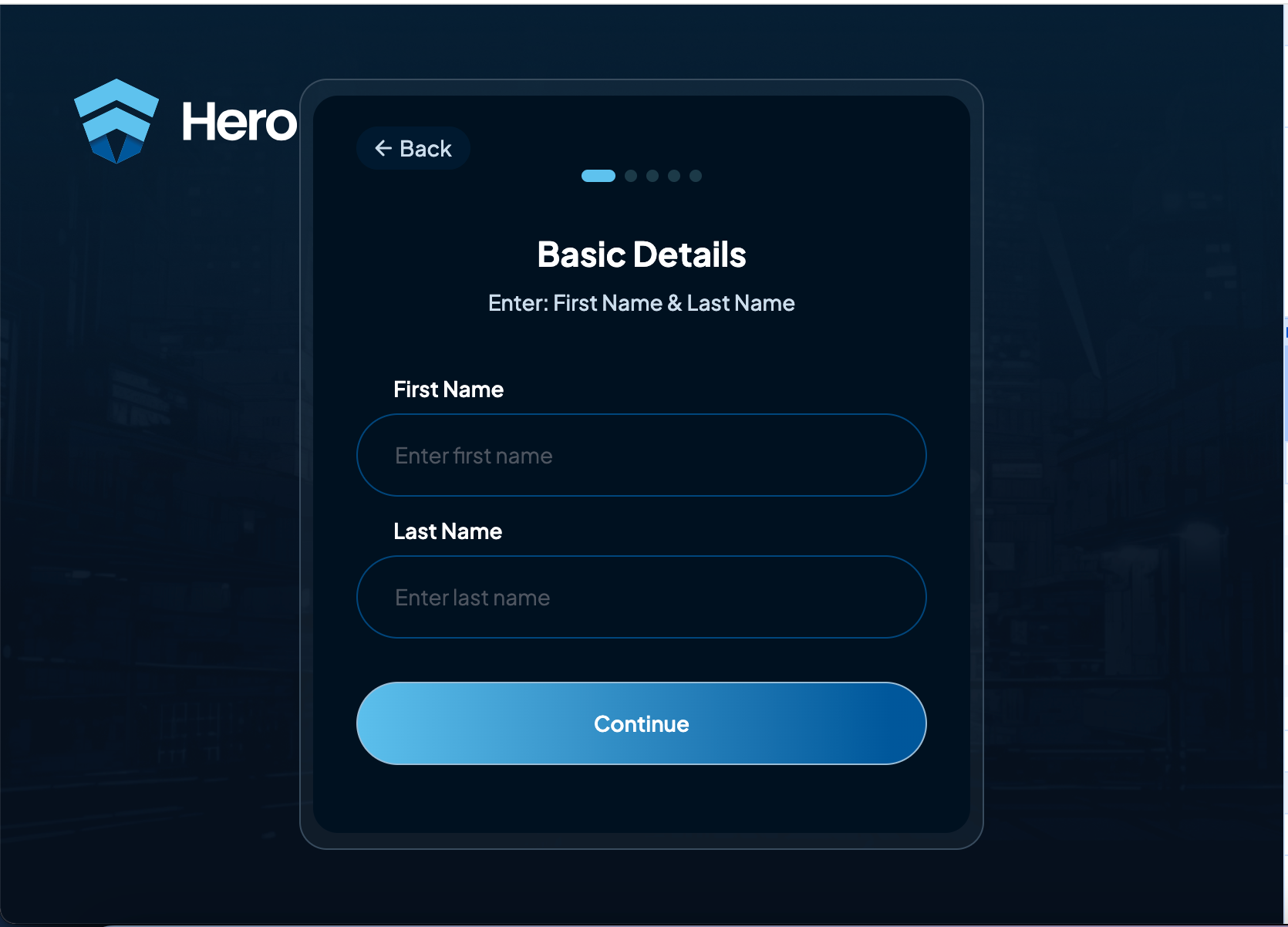
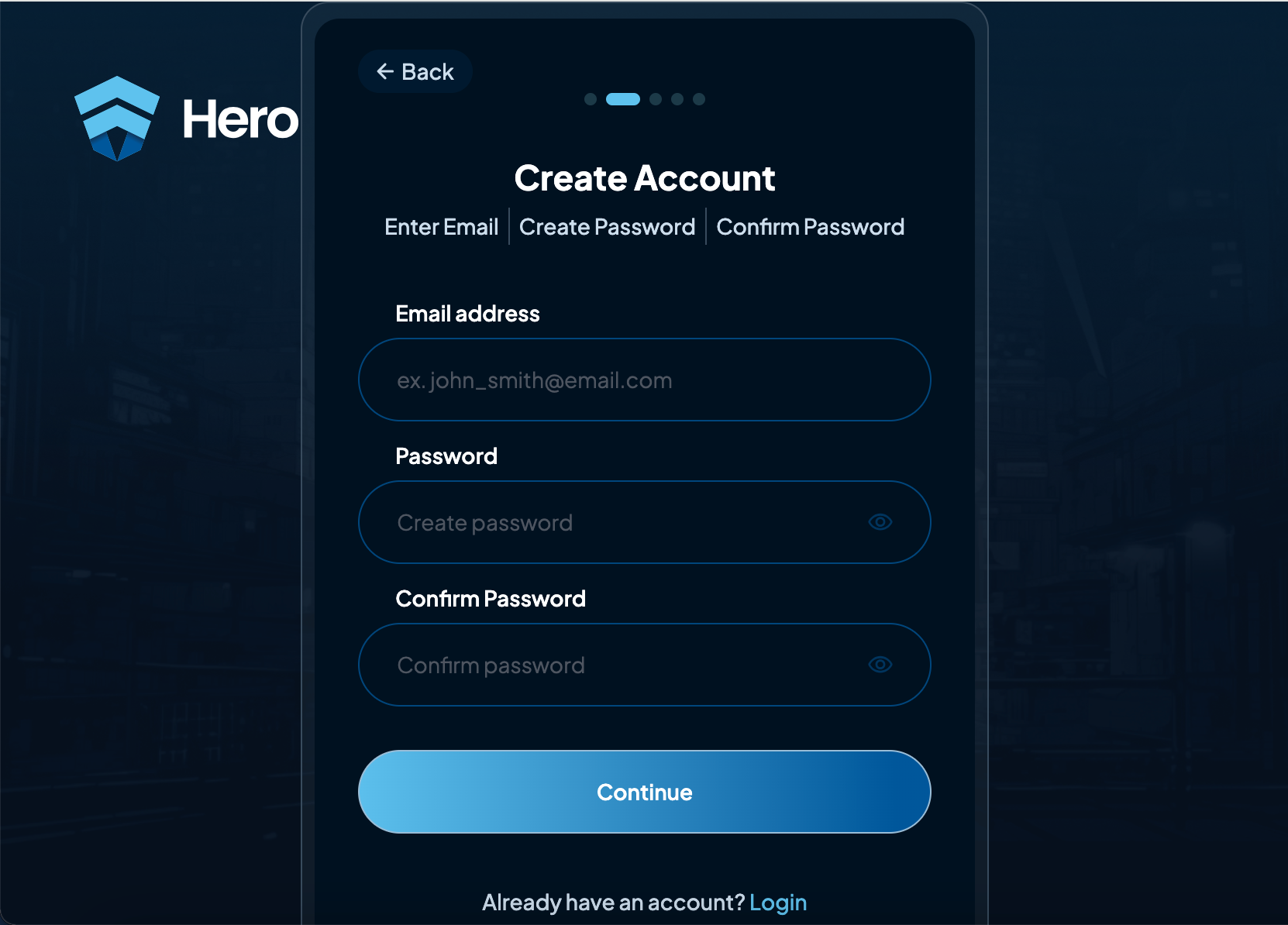
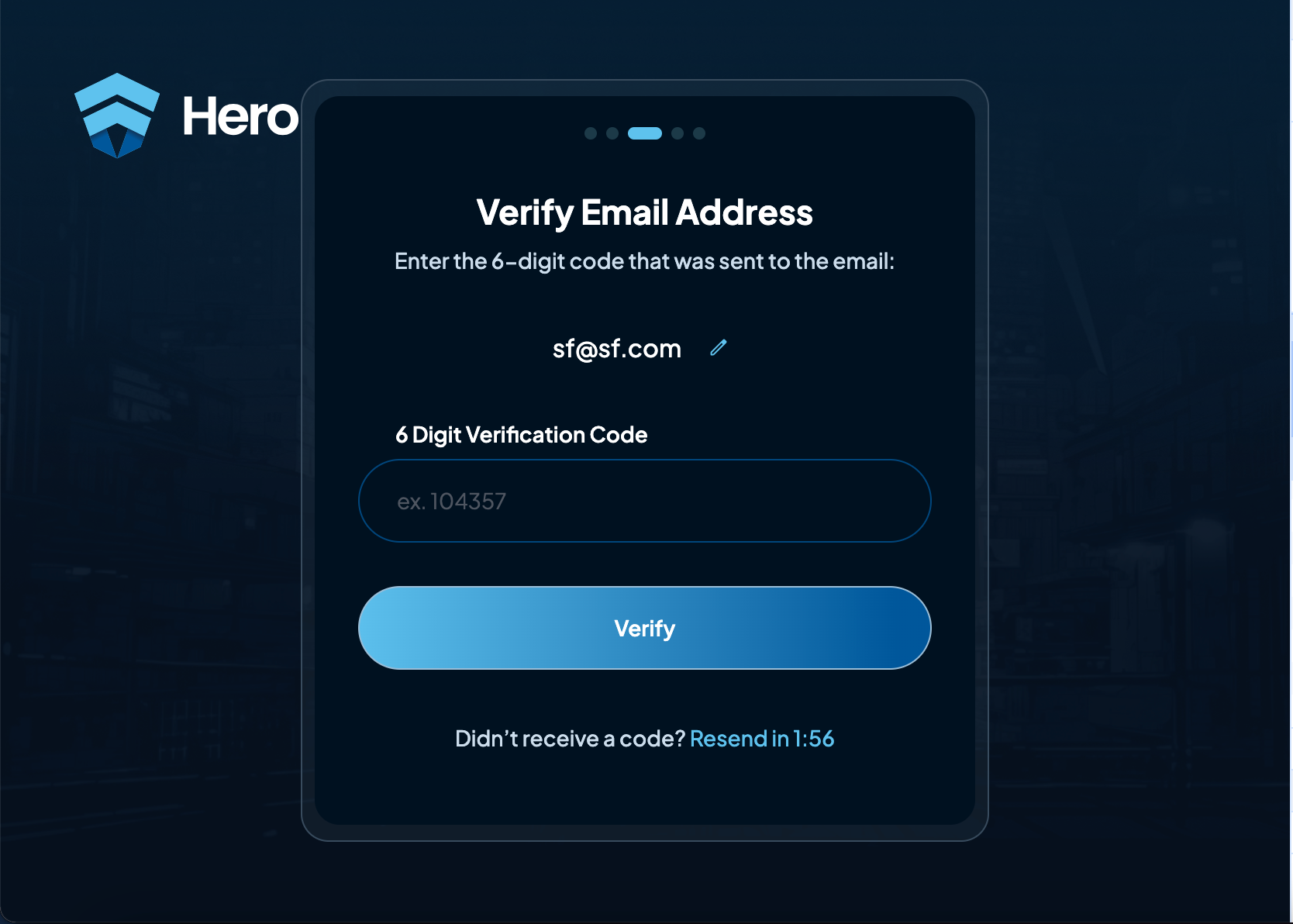
2. User Registration (Sign-Up Form) https://authcentral-1.dev.hero.io/:
-
Form Components:
- First Name
- Last Name
- Email Address
- Password
- 6 Digit Verification Code
- Phone Number (optional)
-
Key Operations:
- Email Check: The system verifies whether the provided email already exists using an
Is Email ExistAPI or database lookup. - Phone Number Check: Ensures the provided phone number is unique via the
Is Phone Existcheck. - Password Strength: Ensures the password meets security requirements via the
Check Password Strengthservice.
- Email Check: The system verifies whether the provided email already exists using an
-
Outcome:
- If all checks pass, a new user account is created using an API (e.g.,
/public/api/v1/users/create).
- If all checks pass, a new user account is created using an API (e.g.,
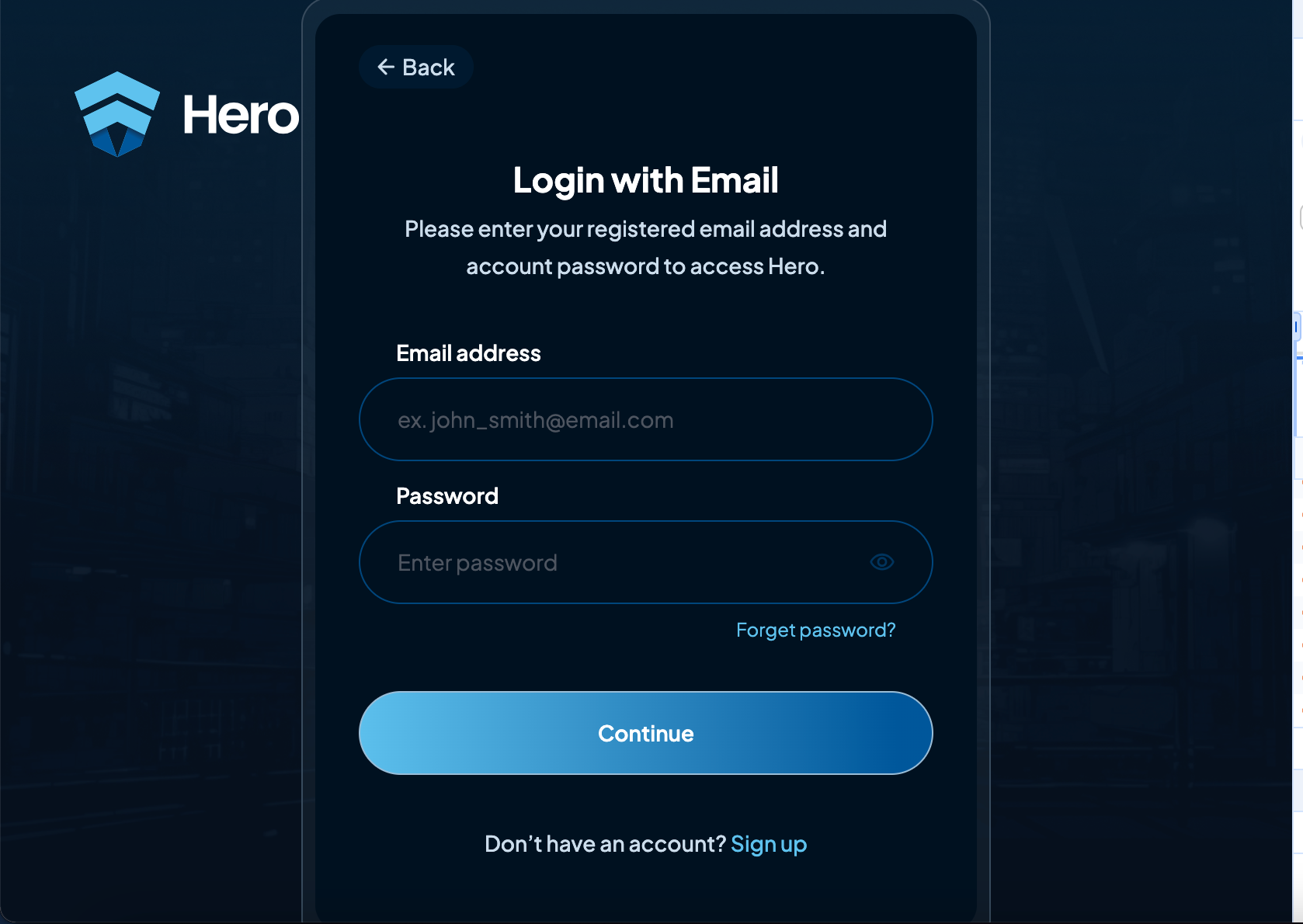
3. User Login (Login Form)
-
Form Components:
- Password
-
Key Operations:
- Authentication Request: Sends the user’s credentials to the
/public/api/v1/loginendpoint.
- Authentication Request: Sends the user’s credentials to the
-
Outcome:
- Success Case: On successful login, the system generates a session token for the user.
- Failure Case: If the credentials are invalid, appropriate feedback is given.
4. Session Management
-
Purpose: Manages the lifecycle of user sessions.
-
Key Components:
- Access Token: Retrieved from
/api/v1/accessTokenfor authenticated user communications with protected resources. - Session Refresh: If the access token expires, it can be refreshed via the
/api/v1/sessions/refresh/{token}endpoint.
- Access Token: Retrieved from
-
Flow:
- After successful login, the system provides an access token to the user.
- The token is used for accessing private or restricted resources.
- If the session token expires, the system uses the refresh token to generate a new access token, avoiding the need for re-login (refresh is available subject to application settings).
5. Admin Management
-
Purpose: Provides administrators with access to manage users, monitor logs, and perform other privileged operations.
-
Endpoints:
- Admin Login: Admins log in through a separate authentication flow at
/admin/api/v1/login. - Admin Session Management: Similar to the user flow, admins can refresh their sessions via
/admin/api/v1/sessions/refresh.
- Admin Login: Admins log in through a separate authentication flow at
6. Web3 Integration
-
Purpose: Enables Web3-based authentication, such as login via crypto wallets (Metamask and Trust Wallet).
-
Key Endpoints:
- Signature Verification: Verifies the authenticity of a Web3 signature via
/public/api/v1/web3/signature. - Account Creation: Users can create Web3-based accounts through
/public/api/v1/web3/create. - Web3 Authentication: Authentication is carried out through the
/public/api/v1/web3/authenticateendpoint, where users can log in using their Web3 credentials.
- Signature Verification: Verifies the authenticity of a Web3 signature via
7. Additional Services
- Password Strength Check: Integrated with both the signup and password change flows to ensure strong password policies.
- Duplicate Data Validation: The system checks for duplicate emails and phone numbers, ensuring that only unique user accounts are created.
8. Frontend Components
- Sign-Up Form: Visible on the frontend to gather new user information.
- Login Form: Visible on the frontend for existing user authentication.
9. Backend Interactions
- Auth Central Service: A central component managing most authentication and session-related tasks.
- Token Management: Manages generating and refreshing access tokens for both users and admins, ensuring secure session persistence.